

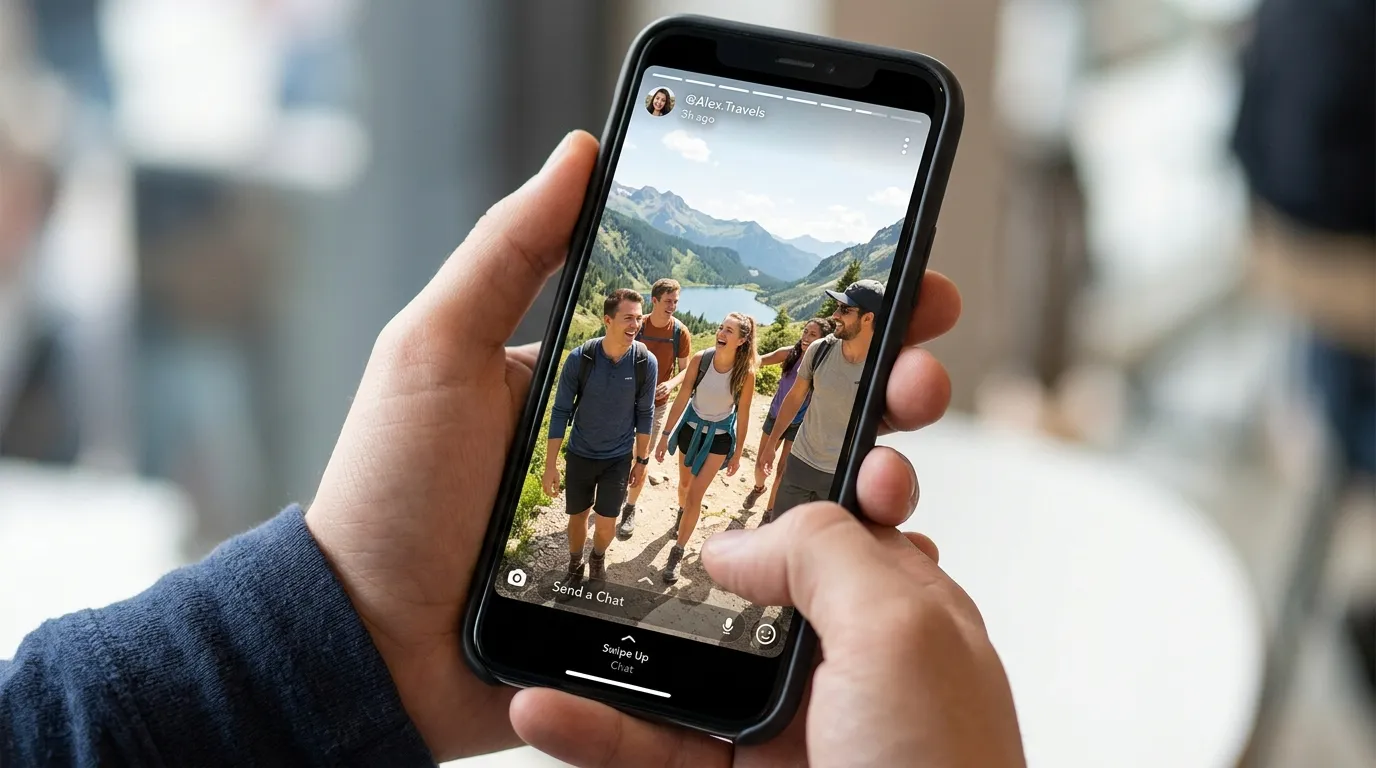
Snapchat Stories are one of the most popular ways to share photos and videos that disappear after 24 hours. Sometimes, you may want to check a public Story without signing in or leaving your name in the viewer list. That is where a Snapchat Story Viewer becomes useful.
I have noticed that many people are unsure about what these tools can actually do. Some believe they can view any Snapchat account, while others think they work with private Stories. The truth is much simpler. Most Snapchat Story Viewer tools only work with public Snapchat profiles and active public Stories.
In this guide, you will learn how Snapchat Story Viewers work, what they can and cannot do, and how to use them safely. I will also explain the different types of Snapchat Stories so you know exactly what is possible before using any viewer.
About Snapchat Story Viewer
A Snapchat Story Viewer is an online tool that lets you view active public Snapchat Stories through a web browser. Most tools work by entering a Snapchat username or public profile link. Once the profile is found, you can watch available Stories without installing an app or creating a Snapchat account.
Many Story Viewers also let you download public photos and videos, depending on the features they offer. They work on desktop computers, Android phones, iPhones, and tablets through a standard web browser.
It is important to know that these tools only support content that is already public. They cannot access private Stories, Friends Only Stories, chats, or any protected Snapchat content.
How Snapchat Stories Work?
Before using a Snapchat Story Viewer, it helps to know how Snapchat Stories work. Every Story has its own visibility settings, and those settings decide who can watch it.
- Snapchat Stories stay available for 24 hours before they disappear automatically.
- Users can share Stories with everyone or limit them to selected friends.
- Public Stories can be viewed by anyone if the profile owner has enabled public access.
- Friends Only Stories are only visible to approved Snapchat friends.
- Private Stories can only be seen by people chosen by the account owner.
- Snapchat records who views a Story inside the app for supported Story types.
- Users can post photos and videos together in one Story.
- New Snaps are shown in the order they were uploaded.
Knowing these basics makes it easier to understand why anonymous Story Viewers only work with public content.
Types of Snapchat Stories
Snapchat offers different Story options for different audiences. Each one has its own privacy settings, and those settings affect whether a Story Viewer can access it.
- Public Story: Shared publicly through a Public Profile and can usually be viewed with compatible Story Viewer tools.
- My Story: Shared with friends based on the user’s privacy settings inside Snapchat.
- Private Story: Only selected friends can see these Stories.
- Shared Story: Multiple invited people can contribute content to the same Story.
- Public Profile Story: Posted from a Public Profile so followers and other users can view it.
- Spotlight: Short public videos shown in Snapchat’s entertainment feed instead of the regular Story section.
Each Story type serves a different purpose. If a Story is private or limited to friends, an anonymous Story Viewer cannot access it.
What Can a Snapchat Story Viewer Do?
A Snapchat Story Viewer focuses on public content. While features vary between websites, most tools offer similar functions.
- View active public Snapchat Stories.
- Watch Stories anonymously through a web browser.
- Search using a Snapchat username.
- Search using a public profile link.
- Preview available Story photos and videos.
- Download supported public Story content.
- Access Stories without installing an application.
- Work on Android, iPhone, Windows, Mac, and tablets.
- Open directly from popular browsers such as Chrome, Edge, Firefox, and Safari.
- Use the service without creating a Snapchat account on many platforms.
These features make Story Viewers useful for checking publicly shared content quickly. The available features still depend on the tool you choose and whether the profile owner has active public Stories.
What a Snapchat Story Viewer Cannot Do?
A Snapchat Story Viewer has clear limits. Knowing those limits helps you avoid false expectations and misleading websites.
- It cannot view Private Stories.
- It cannot access Friends Only Stories.
- It cannot open Snapchat chats or messages.
- It cannot recover Stories after the 24 hour limit has ended.
- It cannot bypass Snapchat privacy settings.
- It cannot view content stored in My Eyes Only.
- It cannot show deleted Stories.
- It cannot change who can see someone’s Story.
- It cannot unlock blocked or hidden content.
- It cannot hack Snapchat accounts or passwords.
If a website claims it can access private Snapchat accounts or bypass Snapchat security, it is best to avoid it. Legitimate Story Viewer tools only work with content that users have already made public.
How to Use a Snapchat Story Viewer?
Using a Snapchat Story Viewer is usually simple because most tools work directly in your browser. The exact steps may vary slightly, but the process stays almost the same across different websites.
- Open a trusted Snapchat Story Viewer in your web browser.
- Enter the Snapchat username or public profile link.
- Start the search to find the public profile.
- Wait a few seconds while the tool loads active public Stories.
- View available photos or videos anonymously.
- Download supported Story content if the tool offers a download option.
Before searching, make sure you enter the correct username. If there are no active public Stories or the account is private, the viewer will not display any content.
Snapchat Story Viewer vs Snapchat App
Both the Snapchat app and a Snapchat Story Viewer let you view Stories, but they work differently. The app gives full access to your own account, while a Story Viewer focuses only on public content.
| Feature | Snapchat Story Viewer | Snapchat App |
|---|---|---|
| Login Required | Usually No | Yes |
| View Public Stories | Yes | Yes |
| View Friends’ Stories | No | Yes |
| View Private Stories | No | Yes (if permitted) |
| Anonymous Viewing | Yes | No |
| Download Public Stories | Available on some tools | Limited |
| Send Snaps | No | Yes |
| Send Messages | No | Yes |
| Manage Friends | No | Yes |
| Create Stories | No | Yes |
| Available in Browser | Yes | Limited features |
If your goal is simply to view public Stories, a Story Viewer may be enough. If you want to chat, upload Snaps, or interact with friends, the Snapchat app is the better choice.
Why People Use Snapchat Story Viewers?
People use Snapchat Story Viewers for different reasons. Most of them simply want a quick way to check public content without opening the Snapchat app.
- View public Stories without signing in.
- Watch Stories without appearing in the viewer list.
- Save public Story photos or videos when downloads are supported.
- Check creator or brand updates from a browser.
- Follow public profiles from any device.
- Research public content for news, marketing, or social media trends.
- Access Stories on a computer instead of a phone.
- View Stories without installing the Snapchat app.
Everyone has different needs, but these tools are mainly useful for viewing public content quickly and privately.
Privacy Tips for Snapchat Users
Snapchat offers several privacy settings that help you control who can see your content. Taking a few minutes to review these settings can make your account more secure.
- Set Story visibility to Friends if you do not want public access.
- Use Private Stories for selected people only.
- Review your Public Profile settings regularly.
- Remove followers you no longer trust.
- Block unwanted users if needed.
- Avoid sharing personal information in public Stories.
- Think carefully before posting photos or videos because someone may save public content.
- Use a strong password and enable two factor authentication for extra account security.
Good privacy settings help you decide who can view your Stories and reduce unwanted access to your public content.
Common Problems and Fixes
Sometimes a Snapchat Story Viewer may not show the Story you are looking for. In many cases, the problem has a simple explanation.
- Username not found: Check the spelling and try again.
- No Stories available: The account may not have an active public Story.
- Private account: Private profiles cannot be viewed through Story Viewers.
- Story expired: Snapchat Stories disappear after 24 hours.
- Profile changed: The user may have changed their username or removed their Public Profile.
- Page not loading: Refresh the page or try another supported browser.
- Slow loading: Check your internet connection and wait a few moments.
- Download unavailable: Some Story Viewers only support viewing, not downloading.
Most issues can be fixed by confirming the username, checking whether the profile is public, and making sure the Story is still active.
Frequently Asked Questions
Can I watch Snapchat stories anonymously?
Yes, you can watch public Snapchat Stories anonymously with compatible Story Viewer tools. Private and Friends Only Stories cannot be viewed this way.
Can I download Snapchat stories?
Many Snapchat Story Viewers let you download public Story photos and videos. Download options depend on the tool and the type of public content available.
Is it legal to use a Snapchat Story Viewer?
Viewing publicly available content is generally allowed. However, you should always respect privacy, copyrights, and Snapchat’s Terms of Service when using any third party tool.
Can I view old Snapchat stories?
No. Snapchat Stories disappear after 24 hours unless the owner saves them. Expired Stories are no longer available through Story Viewers.
Is there a download limit?
It depends on the Story Viewer you use. Some tools allow unlimited downloads, while others may place daily or feature based limits.
Conclusion
A Snapchat Story Viewer is a simple way to view active public Snapchat Stories without signing in through the Snapchat app. Many tools also support downloading public Story photos and videos, making them useful for people who want quick access to publicly shared content.
At the same time, it is important to know their limits. These tools cannot access Private Stories, Friends Only Stories, chats, or expired content. If a website claims it can bypass Snapchat’s privacy settings, it is best to stay away from it.
I always recommend using trusted Story Viewer websites that do not ask for your Snapchat password or personal details. Knowing how Snapchat Stories work and what these tools can actually do will help you choose the right option while respecting other people’s privacy.
