

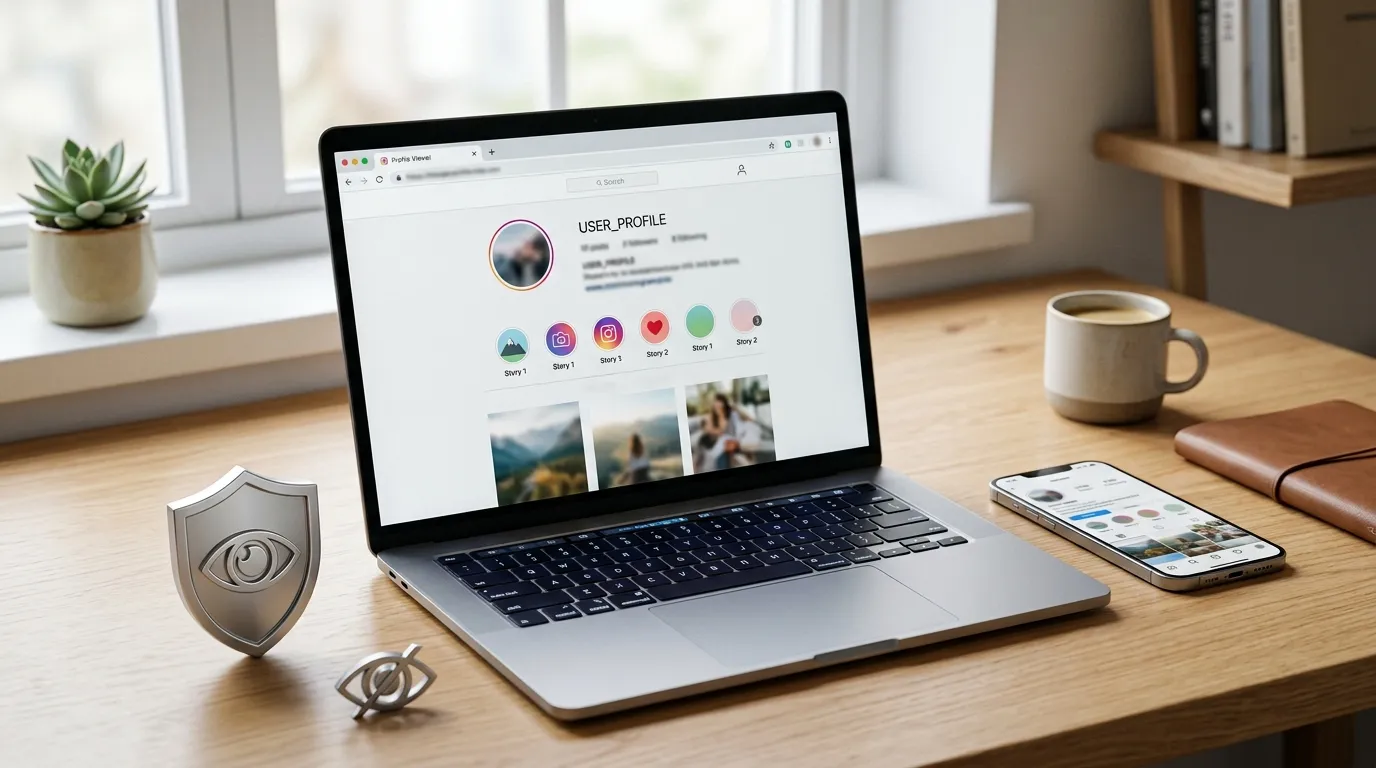
If you want to view public Instagram Stories without signing into Instagram, you may come across Mollygram. It is a web based Instagram viewer that lets you browse public Stories, Highlights, and profiles anonymously without creating an account.
In this review, I explain what Mollygram is, how it works, its official features, and what you can expect before using it. I also cover its limitations, so you can decide whether it is the right tool for your needs.
What Is Mollygram App?
Mollygram is a free web based tool that allows you to view public Instagram content anonymously. According to its official website, you do not need an Instagram account, registration, or login credentials to use the service.
The platform focuses on helping users access public Instagram Stories, Highlights, and profiles directly from a web browser. Since it works online, you can use it on both desktop and mobile devices without downloading an app.
One important detail mentioned by the official website is that Mollygram is not affiliated with Instagram. It also states that it does not host Instagram content. Instead, it provides access to publicly available Instagram information.
Here is a quick overview of the platform.
| Feature | Details |
|---|---|
| Platform Type | Web based Instagram viewer |
| Registration Required | No |
| Instagram Login Required | No |
| Anonymous Viewing | Yes |
| Mobile Support | Yes |
| Desktop Support | Yes |
| Instagram Affiliation | No |
| Official Cost | Free |
If your goal is to check public Instagram Stories or Highlights without signing into Instagram, Mollygram offers a simple browser based solution.
How Does Mollygram Work?
Mollygram works by searching publicly available Instagram profiles. You simply enter the username of a public account, and the platform displays the content it can access.
Because the service only works with public information, it cannot bypass Instagram’s privacy settings or unlock private accounts. If an account is private, its Stories, Highlights, and profile content will not be available through Mollygram.
Using the platform is straightforward.
- Visit the official Mollygram website.
- Enter the username of a public Instagram account.
- Search for the profile.
- View available Stories, Highlights, or profile information anonymously.
Another benefit is that you never have to enter your Instagram username or password. According to the official website, Mollygram does not require users to sign in before using its supported features.
Mollygram Features
Mollygram focuses on a handful of core features instead of offering a complete Instagram experience. Its primary purpose is to let you access public Instagram content quickly, anonymously, and without registration.
Below are the main features available on the official website.
Anonymous Instagram Story Viewer
Anonymous Story viewing is Mollygram’s main feature. It lets you view Stories from public Instagram accounts without logging into Instagram.
This can be useful if you only want to check publicly shared Stories while keeping your browsing separate from your Instagram account.
According to the official website, no registration or Instagram login is required to use this feature.
Instagram Highlights Viewer
Mollygram also supports viewing Instagram Highlights from public profiles.
Highlights are Stories that users choose to keep on their profiles after the standard 24 hour period. Instead of opening Instagram, you can search for a public username and view available Highlights directly through your browser.
This feature only works for content that has been shared publicly.
Instagram Profile Viewer
Another official feature is profile viewing.
You can search for a public Instagram profile and view available profile information without creating an account or logging into Instagram.
This makes Mollygram useful if you only want to check publicly available profile details without opening the Instagram app.
View Public Instagram Content Without Login
One of Mollygram’s biggest advantages is that you do not need an Instagram account to use it.
The official website states that you can search for public Instagram usernames directly without registration or authentication. This means you can access supported public content without sharing your Instagram credentials.
However, this convenience only applies to public profiles. Private Instagram accounts remain protected by Instagram’s privacy settings.
Mobile and Desktop Compatibility
Since Mollygram is browser based, you can access it from almost any modern device.
It supports:
- Windows computers
- Mac computers
- Android phones
- iPhones
- Tablets
Because everything runs in a web browser, you do not need to install additional software before using the service.
Free to Use
The official website describes Mollygram as a free platform.
You can search public Instagram usernames and use its supported viewing features without paying a subscription fee or creating an account.
As with many online tools, available features may change over time. It is always a good idea to check the official website for the latest updates.
What Can You View With Mollygram?
Before using Mollygram, it is helpful to understand exactly what the platform supports. Its purpose is to provide access to public Instagram content, not to replace Instagram or bypass its privacy rules.
Here is what you can currently view through Mollygram.
| Instagram Content | Available |
|---|---|
| Public Instagram Stories | Yes |
| Public Instagram Highlights | Yes |
| Public Instagram Profiles | Yes |
| Public Profile Information | Yes |
| Private Instagram Accounts | No |
The platform is designed to work only with publicly available content. If an Instagram account is private, you will not be able to view its Stories, Highlights, posts, or profile information through Mollygram. This limitation is expected because the service respects Instagram’s privacy settings and does not claim to provide access to private accounts.
Can Mollygram View Private Instagram Accounts?
No. Mollygram cannot view private Instagram accounts. The platform is designed to display only publicly available Instagram content and does not bypass Instagram’s privacy settings.
If an Instagram account is private, only approved followers can view its Stories, Highlights, posts, and profile details through Instagram itself. Mollygram does not provide access to that private content.
Here is what you can and cannot access with Mollygram.
| Instagram Content | Available |
|---|---|
| Public Instagram Stories | Yes |
| Public Instagram Highlights | Yes |
| Public Instagram Profiles | Yes |
| Private Instagram Stories | No |
| Private Instagram Highlights | No |
| Private Instagram Posts | No |
If you find a website claiming it can unlock private Instagram accounts without permission, treat it with caution. Instagram protects private profiles, and no legitimate viewer can legally bypass those privacy controls.
How to Use Mollygram
Mollygram is easy to use because everything works through a web browser. You do not need to install software or create an account before getting started.
Follow these steps to use the platform.
- Visit the official Mollygram website.
- Enter the username of a public Instagram account.
- Click the search button.
- Select the profile from the search results.
- View available Stories, Highlights, or profile information anonymously.
The process usually takes only a few seconds. If the username is incorrect or the account is private, Mollygram will not display the requested content.
Is Mollygram Safe?
Safety is one of the most important factors to consider before using any third party Instagram viewer. After reviewing the official website, I found that Mollygram has a few characteristics that help reduce common security concerns.
According to the official website, you do not need to:
- Create an account.
- Register before using the service.
- Log in with your Instagram account.
- Enter your Instagram username or password.
Since you never share your Instagram login credentials, you reduce the risk of exposing your account to unauthorized access through the platform.
Even so, you should always follow good online safety practices.
- Use only the official Mollygram website.
- Never enter your Instagram password on third party websites.
- Double check that you are visiting the correct website.
- Remember that only public Instagram content is supported.
- Avoid websites that promise access to private Instagram accounts.
While Mollygram does not ask for your Instagram login details, no online tool can guarantee complete security. Using trusted websites and protecting your personal information is always the best approach.
Is Mollygram Legal?
The legality of Mollygram depends on how you use it and the type of content you access.
The platform is intended to display publicly available Instagram content. It does not claim to bypass Instagram’s privacy settings or provide access to private accounts.
Here are the key points to keep in mind.
- You can view publicly available Instagram content.
- Private Instagram accounts remain protected.
- Mollygram states that it is not affiliated with Instagram.
- Mollygram states that it does not host Instagram content.
Even when content is publicly available, you should respect copyright laws and the creator’s rights. Viewing public content is different from copying, redistributing, or using someone else’s content for commercial purposes without permission.
Mollygram Pros and Cons
Like any online tool, Mollygram has strengths and limitations. Looking at both sides gives you a better understanding of what the platform can realistically offer.
Pros
- Free to use.
- No Instagram account required.
- No registration required.
- Anonymous viewing of supported public content.
- Works on desktop and mobile browsers.
- Simple and easy to use.
Cons
- Only supports public Instagram accounts.
- Cannot access private profiles.
- Available features may change over time.
- Performance depends on your browser and internet connection.
- Does not replace the full Instagram experience.
Overall, I found Mollygram suitable for users who want a quick and simple way to view public Instagram Stories, Highlights, or profiles without signing into Instagram.
Mollygram vs Instagram
Although Mollygram and Instagram both provide access to Instagram content, they serve very different purposes.
| Feature | Mollygram | |
|---|---|---|
| Login Required | No | Yes |
| Registration Required | No | Yes |
| Anonymous Story Viewing | Yes | No |
| View Public Profiles | Yes | Yes |
| View Private Profiles | No | Yes, for approved followers |
| Upload Posts | No | Yes |
| Send Messages | No | Yes |
| Follow Accounts | No | Yes |
Instagram is a complete social media platform where you can create content, interact with other users, and manage your account.
Mollygram is designed for a much simpler purpose. It lets you view supported public Instagram content anonymously without requiring you to sign in or create an account.
Mollygram vs Other Anonymous Instagram Viewers
Mollygram is not the only anonymous Instagram viewer available online. Several similar tools offer access to public Instagram Stories and profiles, but their features and user experience can differ.
Here is a general comparison.
| Tool | Login Required | Public Stories | Highlights | Public Profiles |
|---|---|---|---|---|
| Mollygram | No | Yes | Yes | Yes |
| StoriesIG | No | Yes | Yes | Yes |
| AnonyIG | No | Yes | Yes | Yes |
| Imginn | No | Varies | Varies | Yes |
| InstaNavigation | No | Yes | Yes | Yes |
When comparing these services, I recommend looking beyond the feature list. Consider whether the platform requires registration, requests Instagram login credentials, supports mobile devices, and clearly explains how it handles user privacy.
After comparing the available information, I found that Mollygram keeps its approach simple. It focuses on anonymous access to public Instagram content without asking you to create an account or connect your Instagram profile.
Common Mollygram Problems and Fixes
Like many web based tools, Mollygram may not always work as expected. Most issues are easy to identify and can often be resolved without technical knowledge.
Username Not Found
If Mollygram cannot find a username, the account may not be available for one of several reasons.
Common causes include:
- The username is misspelled.
- The Instagram username has changed.
- The account has been deleted or disabled.
- The profile is private.
Before searching again, check that you entered the correct username exactly as it appears on Instagram.
Stories Are Missing
If Stories do not appear, it does not always mean the platform has a problem.
Possible reasons include:
- The account has not posted a new Story.
- The Story has already expired after 24 hours.
- The account is private.
- The Story is no longer publicly available.
If no Story is available, you may still be able to view the user’s public profile or Highlights.
Website Is Slow
A slow website can affect the loading speed of search results and public content.
You can try these solutions:
- Refresh the page.
- Check your internet connection.
- Close unnecessary browser tabs.
- Try again after a few minutes.
- Open the website in another browser.
If the issue is temporary, waiting a short time often resolves it.
Public Profile Is Not Showing
Sometimes a public Instagram profile may not appear in the search results.
This may happen because:
- The username was entered incorrectly.
- The account has recently changed its privacy settings.
- Instagram information has not updated yet.
- The profile is temporarily unavailable.
Verifying the username on Instagram first can help rule out typing errors.
Browser Issues
Browser settings can sometimes affect how web based tools perform.
If Mollygram is not working correctly, try these steps.
- Clear your browser cache.
- Enable JavaScript if it is disabled.
- Update your browser to the latest version.
- Disable browser extensions that may block website content.
- Try opening the website in a different browser.
These simple checks solve many browser related problems.
Best Mollygram Alternatives
If Mollygram does not meet your needs or is temporarily unavailable, several similar services provide anonymous access to public Instagram content. Features may vary between platforms, so it is worth comparing them before choosing one.
Some popular alternatives include:
- StoriesIG for viewing public Instagram Stories anonymously.
- AnonyIG for viewing public Stories and profiles without logging in.
- InstaNavigation for browsing public Instagram accounts through a web browser.
- Imginn for viewing selected public Instagram content, although available features may vary.
Before using any alternative, make sure you visit its official website and avoid services that ask for your Instagram password or claim they can unlock private accounts.
Frequently Asked Questions
Can Instagram detect Mollygram?
Mollygram states that you do not need to log into your Instagram account to use the service. Since your Instagram credentials are not connected to the platform, there is no official information suggesting that Instagram receives notification when you view public content through
Does Mollygram work on mobile?
Yes. Mollygram works through a web browser, so you can use it on most modern smartphones and tablets without installing an application.
Does Mollygram work on Android?
Yes. You can open the Mollygram website in a supported Android browser and search for public Instagram accounts directly from your phone.
Does Mollygram work on iPhone?
Yes. Mollygram is accessible through Safari and other supported browsers on iPhone, allowing you to view supported public Instagram content without downloading an app.
Does Mollygram save my searches?
The official website does not clearly state whether user searches are stored. If privacy is important to you, avoid entering personal information and review the website’s latest privacy information before using the service.
Can I View Instagram Highlights?
Yes. According to the official website, Mollygram supports viewing Highlights from public Instagram accounts. If the account is private, its Highlights will not be available through the platform.
Conclusion
After reviewing the official website and comparing Mollygram with similar tools, I found that it delivers exactly what it claims to offer. It provides a simple way to view public Instagram Stories, Highlights, and profiles without creating an account or logging into Instagram.
At the same time, it is important to understand its limitations. Mollygram only works with public Instagram content and cannot access private accounts or bypass Instagram’s privacy settings.
If you simply want to browse public Instagram content anonymously through a web browser, Mollygram is a straightforward option. Before using any similar service, always use the official website, protect your personal information, and avoid platforms that promise access to private Instagram accounts or ask for your Instagram login credentials.
Also Read: Urlebird.com Review: Features, Safety, Legality & Best Alternatives
